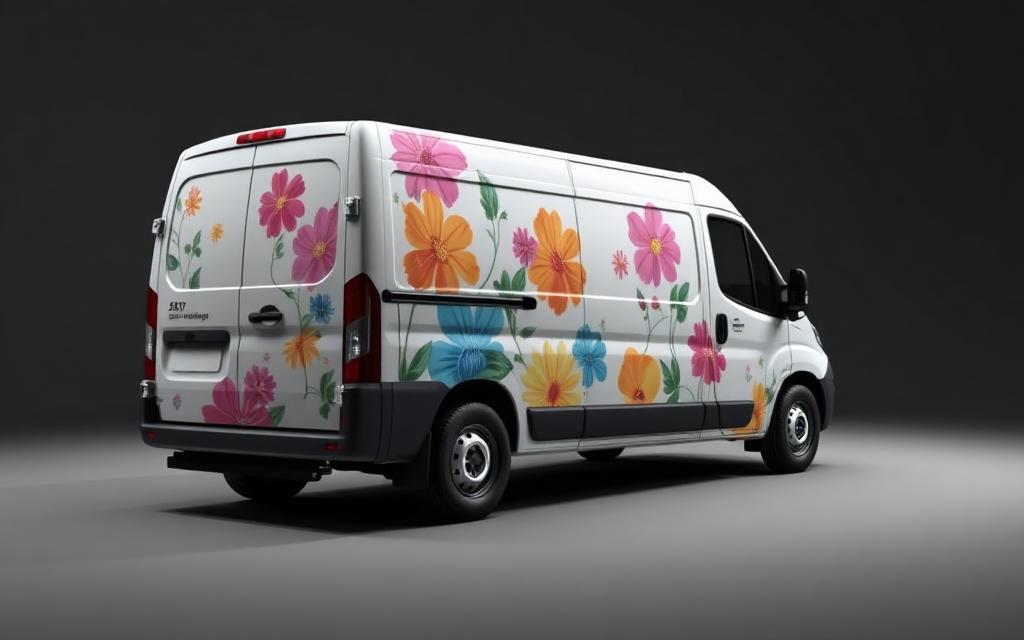
Starter
$335/ month
5 Full Reconstructions includedSave 11%
Smaller wrap shops and designers with occasional reconstruction work.
- Effective rate
- $67 per reconstruction
- Without a plan
- $375 at list (5 × $75)
- Overage
- $70 each additional
▸ Vehicle wrap production software
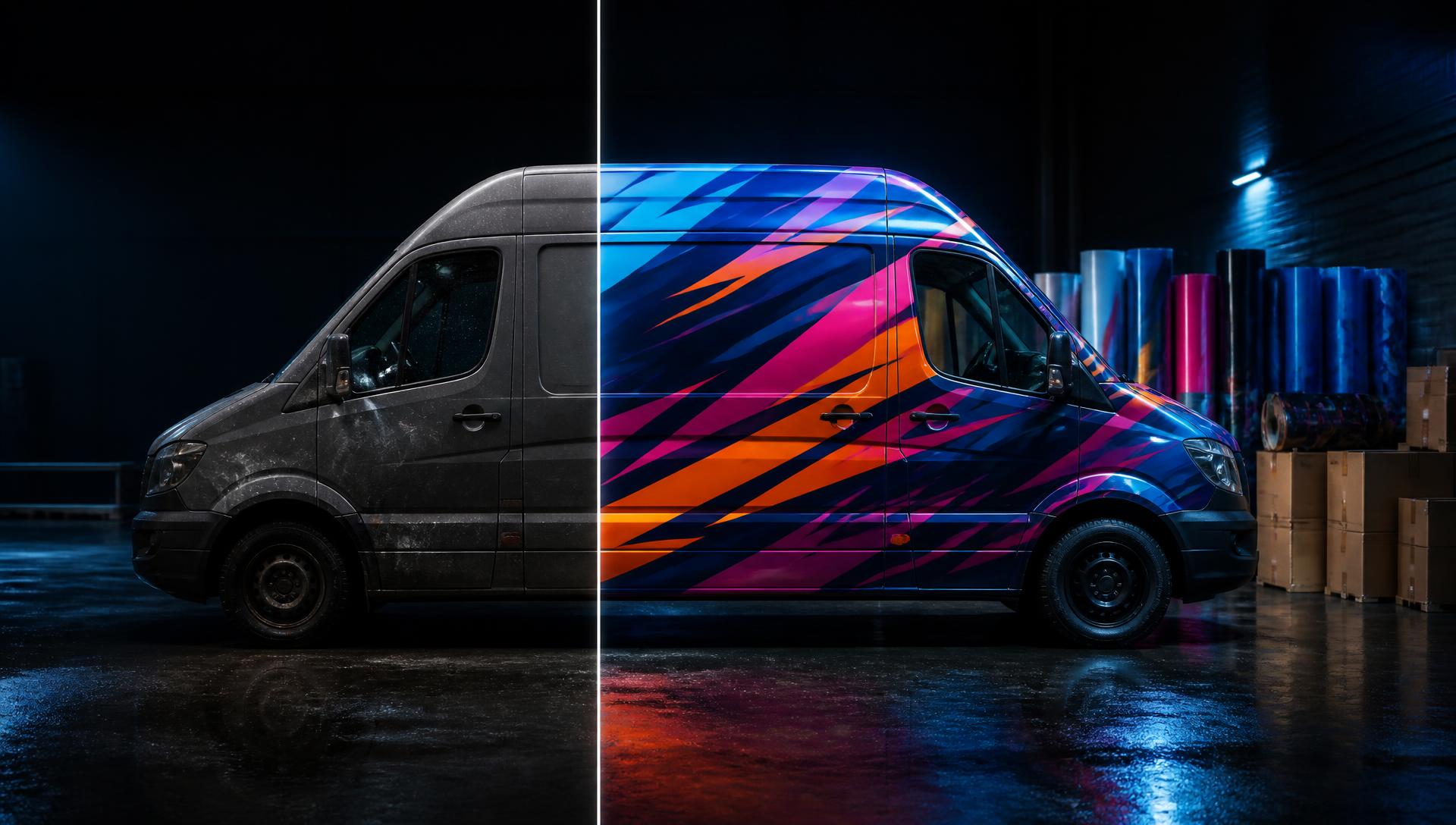
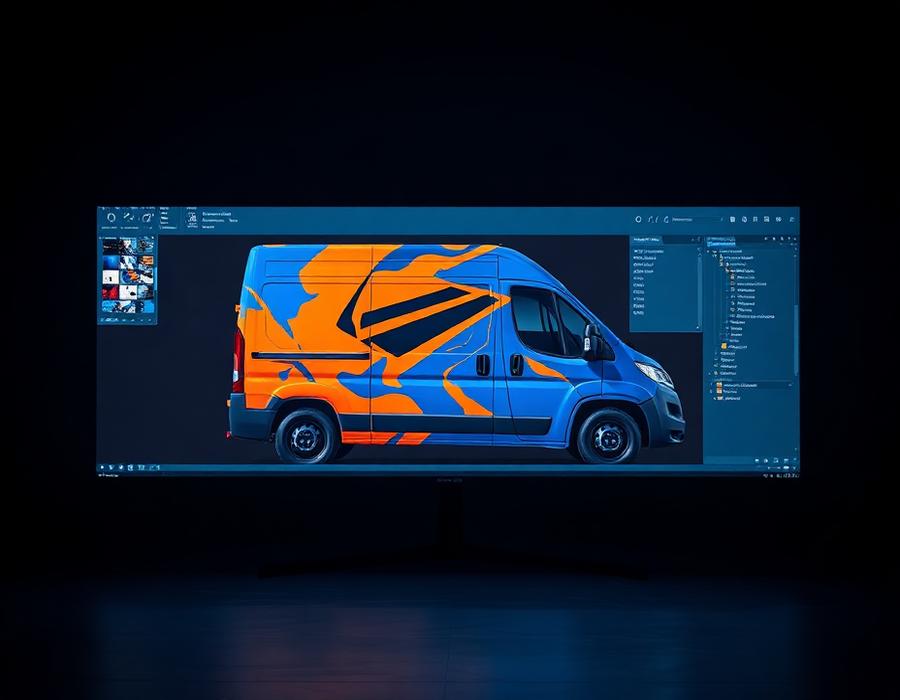
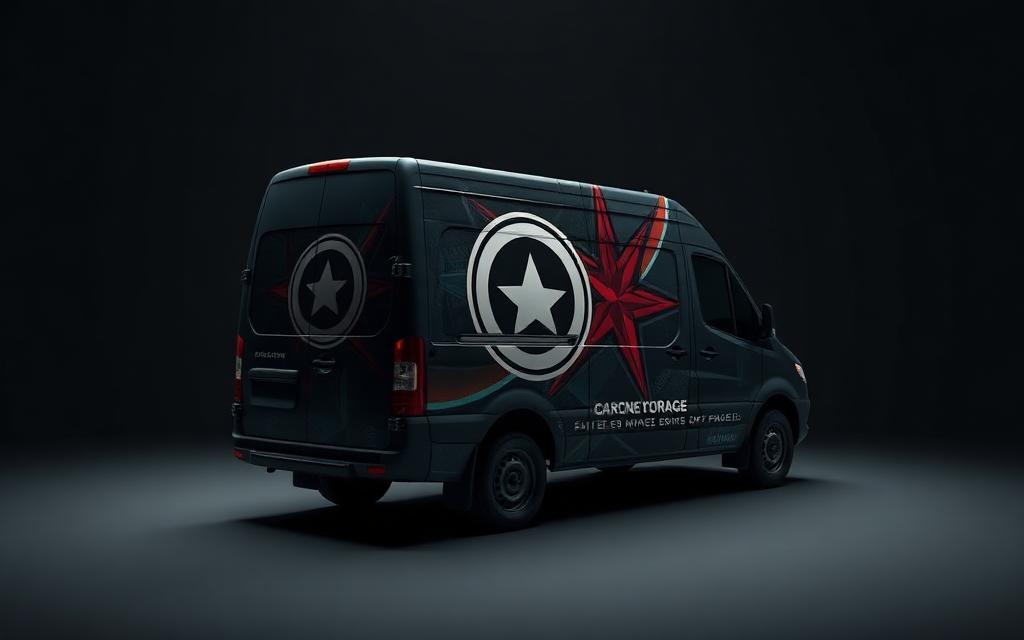
Upload an AI vehicle render and WrapWorks rebuilds the artwork into usable production files — flattened views, editable components, rebuilt text, gradients, missing artwork, and production-ready SVGs.
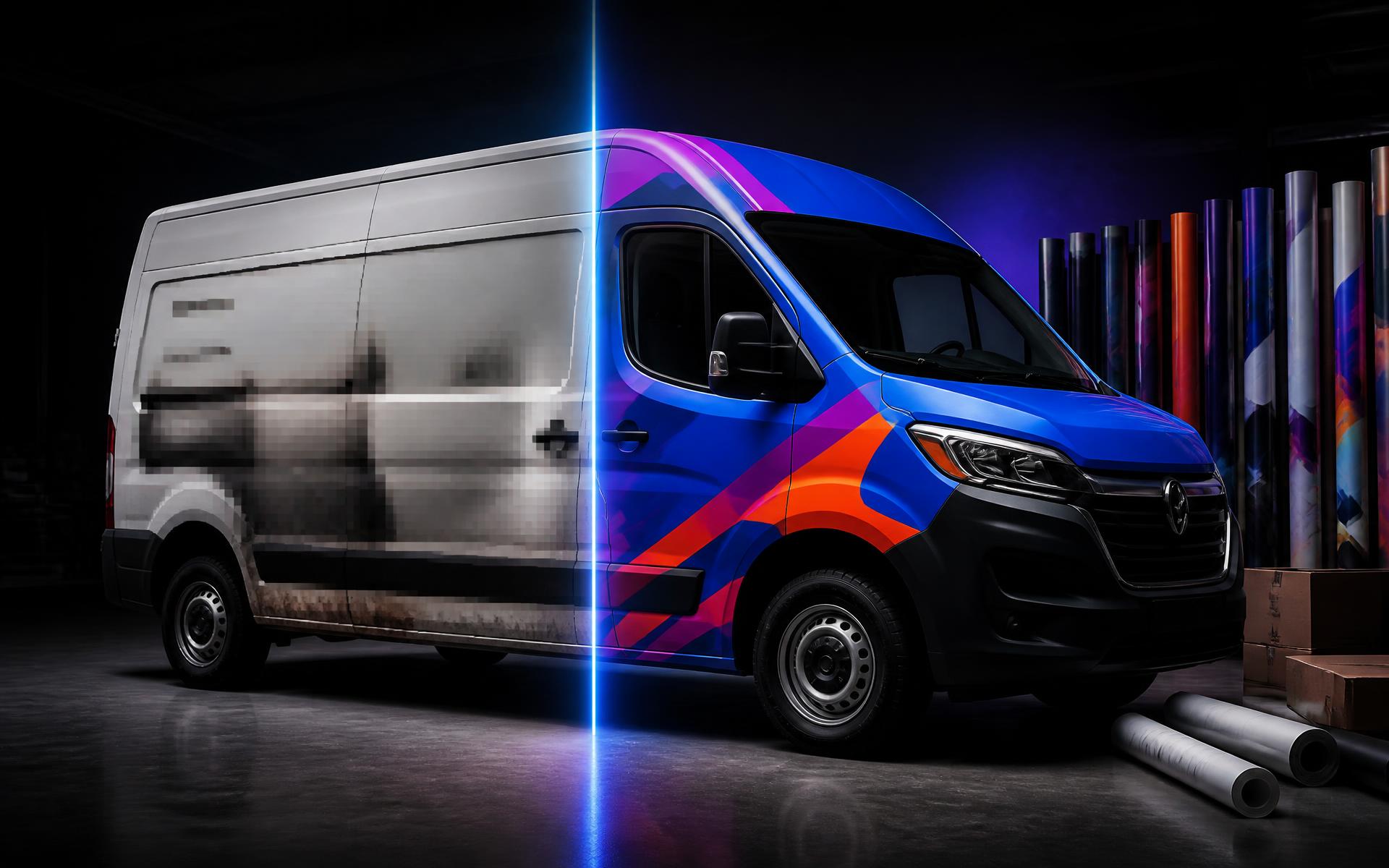 AI renderRebuilt artwork
Original AI render
Angled, distorted, flattened.
Flattened artwork
Straight-on side and rear views.
Reconstructed components
Text, logos and graphics apart.
Production SVG
Editable, printable, downloadable.
The mockup sells the job. Then it lands on the production desk and nothing in it is printable.
Artwork is stretched on an angled photo, not a flat panel.
Half the vehicle was never shown, so half the wrap doesn't exist.
Brand marks baked into a JPG at screen resolution.
Nothing to retype, respace, or correct.
Copy that looks close but isn't the brand.
Banded, blotchy fills that print badly.
Continuous-tone imagery destroyed by a blind trace.
Move a logo and you find a hole.
Production stalls before a single panel gets printed.
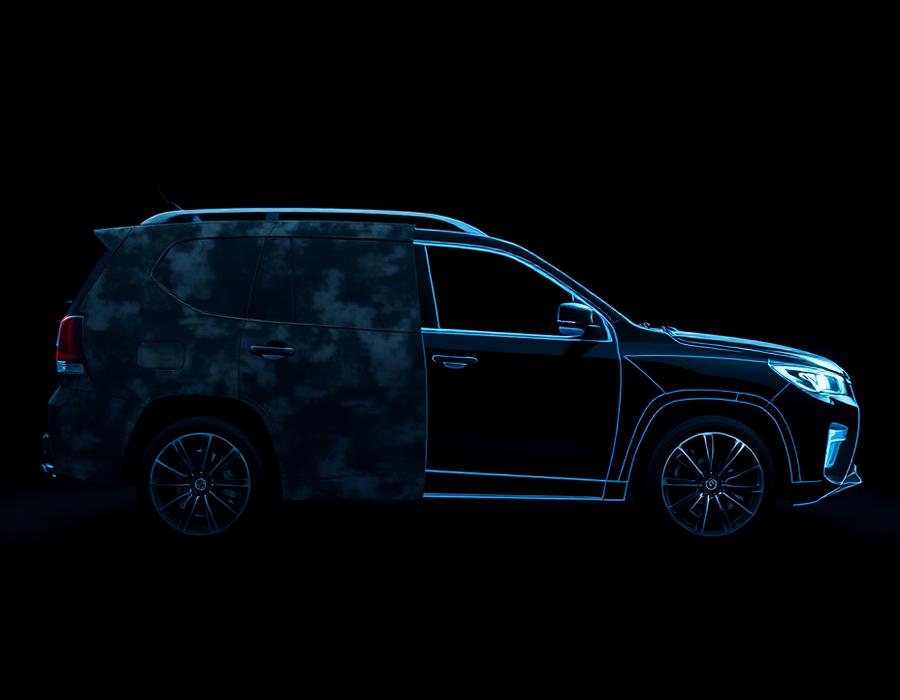
Each vehicle view becomes its own usable artwork.
Angled renders become straight production views.
What the render cropped or hid gets restored.
Move a component and the artwork behind it is already there.
Copy comes back as text you can read, edit and reset.
Brand marks lifted out as their own clean assets.
Real gradient fills instead of banded pixels.
Continuous-tone imagery stays photographic.
Every element arrives as its own production piece.
Open it, edit it, print it.
AI render, client mockup, screenshot, or flattened artwork.
WrapWorks identifies the vehicle views, restores artwork, separates components and rebuilds missing backgrounds, text, gradients and logos.
Get the reconstructed master artwork plus separate production components ready for real design and print workflows.
▸ Step 01 — Intake
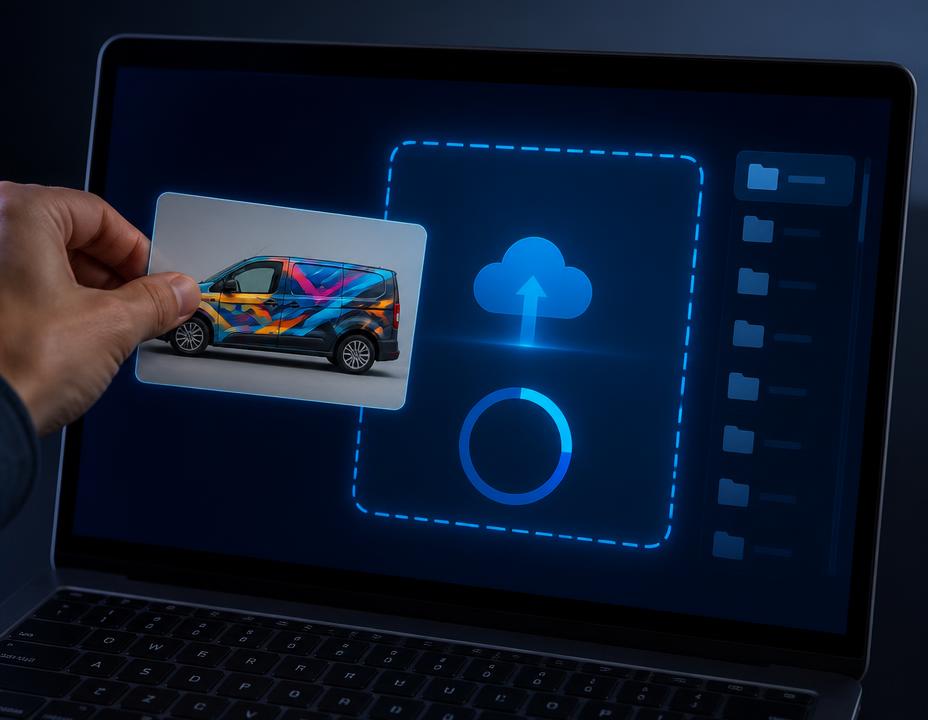
Upload a photo of any wrapped or branded vehicle and get back flat, production-ready artwork in minutes. The WrapWorks engine traces panels, separates graphics, rebuilds missing text, and packages clean SVGs sized for your RIP. Need a final pass? Flag it on the review step and the WrapWorks team will hand-tighten seams, paths, and color seps for a flat fee.
Tick the box below — uploads and vectorization stay locked until you do.
Heads up: Dewarp is generative — you may need to run it 2–3 times before you're happy with the flattened result. Use Re-dewarp on the review step to try again.
You choose: flatten or trace as-is
Not every render needs dewarping. After you upload, pick whether to flatten the perspective first or send an already-straight render straight to vectorization.
Representative examples. Real reconstructions are added as shops clear their artwork for publication.
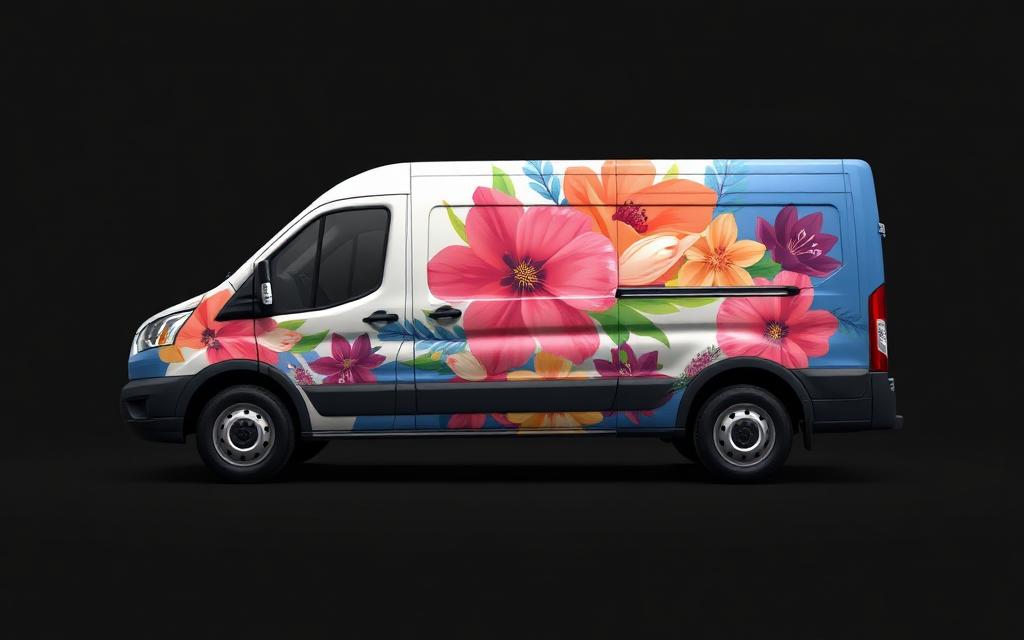 Original renderRecovered side
Angled side view flattened into a straight production panel.
Turn client AI concepts into real production artwork.
Rebuild inconsistent mockups across full fleets.
Convert flattened client art into usable production assets.
Deliver files production teams can actually work with.
Move from concept to production without rebuilding everything by hand.
If one manual reconstruction takes several hours of production design time, a $75 reconstruction can pay for itself on the first few jobs.
Hours of manual redraw
Automated reconstruction
Manual cleanup pass
Downloadable production package
Production waits on art
Files ready to print
Do the math
Keep your artist for the creative work that wins jobs. Hand the rebuilds — isolation, underlay repair, typography, gradients, vectorization — to the pipeline.
At 50 files a month the effective cost drops to $45 each — roughly one hour of shop labor per vehicle.
▸ Reconstruction pricing
One Full Reconstruction is $75 with no subscription. Have one difficult file? Send it through WrapWorks without subscribing. Every plan below includes a monthly volume and keeps working at the plan's overage rate.
Smaller wrap shops and designers with occasional reconstruction work.
Active wrap professionals and production teams.
Shops regularly processing customer artwork and AI-generated designs.
High-volume production teams, multi-designer shops and agencies.
Continuous production shops running reconstructions every day.
Straight answers
No contracts to read, no seat licenses. Upload one render and judge the output.
Printing, shipping and installation are quoted and scheduled per job — separate from your file downloads.